Switch from OpenFlights to flew.world
Bring your OpenFlights log over and get trip pages, photos and a short video for every journey.
How to move your flights
- Export your flights as CSV from your account.
- Drop the file on the import page. You’ll see your map before you sign up; nothing is uploaded yet.
- Check the preview, then save.
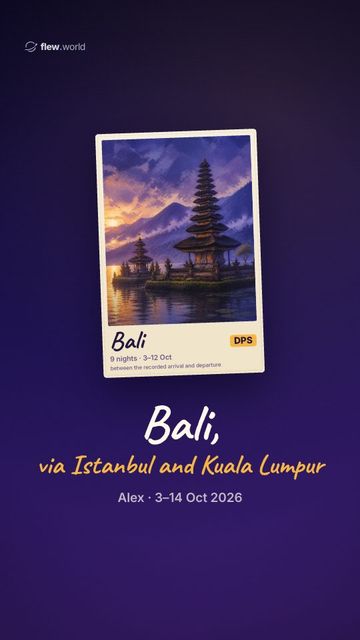
- Your trips appear by themselves: each journey gets a page, a route map and a short video.
Distances are worked out again from the airports.
What comes across from OpenFlights
| Dates and routes | ✓ |
|---|---|
| Flight numbers and airlines | ✓ |
| Aircraft and seats | When the file has them |
What you get on flew.world
- A world map of every flight, with distance, time in the air and countries
- A page for every trip, with your photos, notes and a route map
- A short video of each trip and of your year
- Your year in review (Wrapped) every December
- Friends, cheers and side-by-side map comparisons
- Export any time: CSV, JSON, Google Earth (KML) and GPX
Questions
Is flew.world free?
Yes. Logging flights, trip pages, videos and Wrapped are free.
Who can see my flights?
Your map is private until you turn on sharing. Seats, booking references, notes and upcoming flights always stay private.
Can I take my data with me again?
Yes. Download everything as CSV, JSON, Google Earth (KML) or GPX from Settings whenever you like.
What if a row doesn’t import?
The preview lists the rows it couldn’t read (for example a missing date or an unknown airport) so you can add those by hand.
Coming from somewhere else?
Every flight you’ve taken, on one map.
Log flights by number, boarding pass or import. Each trip gets its own page, a route map and a short video to share.
Create my free map