The best flight log app depends on what you want from it. flew.world is the best free all-rounder for most travellers: unlimited history on any device, maps, statistics, trip pages and year-in-review videos, with import and export. Flighty is best if you mainly want live tracking on an iPhone and will pay for Pro. myFlightradar24 and OpenFlights are simple free logs that have seen little development in recent years. AirTrail is the best choice if you want to host your log yourself, and Log my World suits detail-minded frequent flyers.
A flight log is a list of every flight you have taken, with the date, the airports and, if you like, the airline, aircraft and seat. Logged consistently, it becomes a map of your life in the air: total distance, countries, favourite routes, and the year you flew most.
We compared seven apps on the same criteria. We make one of them, flew.world, and we tell you where it falls short. Facts about the other apps come from their own pages, checked in November 2026, and from the reviews listed at the end. Features change, so check the app’s own page before you commit years of history to it.
How we compared them
We looked at the things that matter over years, not just on day one:
- Price: what is free, and what needs a subscription.
- Platforms: whether it works on your phone, whatever phone you have.
- Adding flights: by flight number, boarding pass, import from other apps.
- Export: whether you can take everything with you. App in the Air’s closure in 2024 showed why this matters.
- Maps and statistics: routes, distances, countries, airports, aircraft.
- Trips and sharing: whether flights are grouped into journeys, and whether there is anything worth sharing.
- Upkeep: whether the app is still being developed.
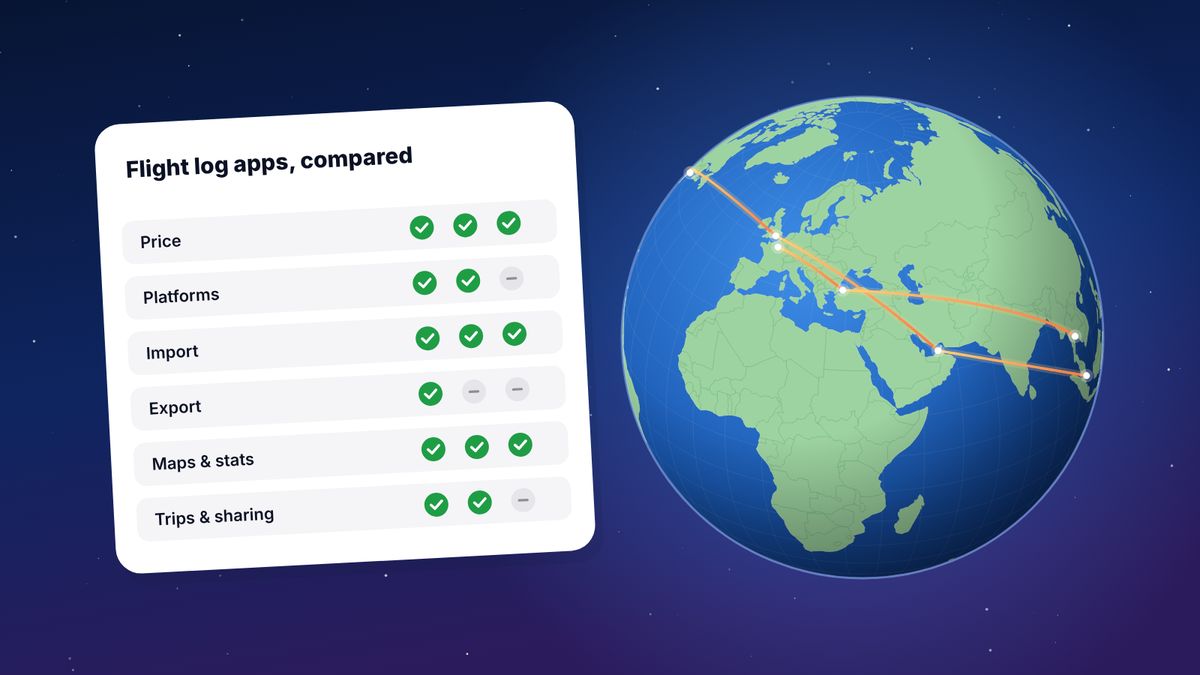
The comparison
| App | Price | Platforms | Import | Export | Maps and stats | Trips and sharing |
|---|---|---|---|---|---|---|
| flew.world | Free | Any browser; installable | Flighty, myFlightradar24, OpenFlights, App in the Air, TripIt calendar, CSV | CSV, OpenFlights CSV, KML, GPX | Yes | Trip pages, year in review, videos, public map |
| Flighty | Free; Pro $59.99 a year | iPhone, iPad, Mac | Email, calendar, TripIt (Pro); 365 days of history free | CSV | Yes, Flighty Passport | Live sharing with friends |
| myFlightradar24 | Free | Web | Not checked | CSV | Yes | Shareable statistics |
| OpenFlights | Free | Web | CSV and others | CSV | Yes | Public profile |
| AirTrail | Free, open source | Your own server | Many apps, including App in the Air and Flighty | Not checked | Yes | Several users per server |
| Log my World | Free; Premium €20 a year | Web, mobile web app | myFlightradar24 CSV | Not checked | Extensive | Photos per flight |
| TripIt | Free; Pro $49 a year | iPhone, Android, web | Booking emails | Not checked | Travel stats | Shared itineraries |
“Not checked” means we couldn’t confirm it from the app’s own pages.
1. flew.world: best free all-rounder
Best for: holiday travellers and frequent flyers who want their whole history on any device, and want to share trips and years, not just store them.
flew.world is a free flight log that works in any browser and can be installed on a phone’s home screen. Add flights by number and date, by scanning a boarding pass, or by importing a file from another app; you check every flight before it is saved.
What sets it apart is what happens next. Flights are grouped into trips automatically, with connections recognised as connections. Each trip gets a page with the route, your photos and a short video. Each year gets a year-in-review page with a passport card, records and three videos on a satellite globe. The logbook view adds filters by year, airline and airport, aviation statistics and exports to CSV, OpenFlights CSV, KML and GPX.
Where it falls short: it doesn’t track flights live or send delay alerts. Its airline and aircraft statistics are less deep than the most specialised enthusiast logs.
2. Flighty: best for live tracking on iPhone
Best for: iPhone users who fly often and want alerts, delay predictions and help at the airport.
Flighty is first and foremost a flight tracker, and an excellent one. Its log is a by-product: flights you track stay in your history, and Flighty Passport summarises them. The free version tracks unlimited flights and imports the last 365 days of past flights. Flighty Pro, listed at $4.99 a month or $59.99 a year, unlocks unlimited history, email and TripIt import, and most alerts.
Where it falls short: no Android version, and a full lifetime log needs a subscription. More in Flighty vs flew.world.
3. myFlightradar24: the long-running free log
Best for: people who want a free, no-frills log on a computer.
Run by Flightradar24, it fills in details from the flight number and date, shows a map and statistics, and exports everything as CSV. It has been around for more than a decade.
Where it falls short: reviewers note that it has barely been developed in years, has no proper mobile layout and an airport list with gaps. See myFlightradar24 vs flew.world.
4. OpenFlights: the open classic
Best for: existing users with a long history there.
OpenFlights is a free, open web log with maps and statistics, and its airport and airline data is used by many other apps. Imports and CSV exports are supported.
Where it falls short: users on frequent-flyer forums report that it is no longer maintained, with problems such as newer airlines that can’t be logged. If you have years of history there, export it now and keep a copy. flew.world can import an OpenFlights CSV directly.
5. AirTrail: best self-hosted log
Best for: technical users who want full control of their data.
AirTrail is free and open source (GPL-3.0). You run it on your own server, usually with Docker. It has a world map, statistics, several users per installation, and imports from App in the Air, Flighty, myFlightradar24, TripIt, OpenFlights and more.
Where it falls short: you are the administrator. Updates, backups and security are your job.
6. Log my World: best for detail
Best for: frequent flyers who want custom fields, photos per flight and deep statistics.
A web-based log with a mobile web app. The free account covers most features; Premium, at €20 a year, adds autofill, more custom fields and photos, and a 3D globe. It imports myFlightradar24 exports.
Where it falls short: reviewers mention occasional bugs, and it is centred on the log rather than on trips or sharing.
7. TripIt: best if you mostly plan
Best for: people whose priority is organising bookings before and during a trip.
TripIt builds itineraries from forwarded booking emails and keeps travel stats in its free version. TripIt Pro, at $49 a year, adds real-time alerts and more. It was App in the Air’s recommended replacement.
Where it falls short: it is a planner first. Your history is there, but it isn’t built as a lifetime log you would explore or share. You can feed TripIt flights into flew.world through its calendar feed.
Which one is right for you?
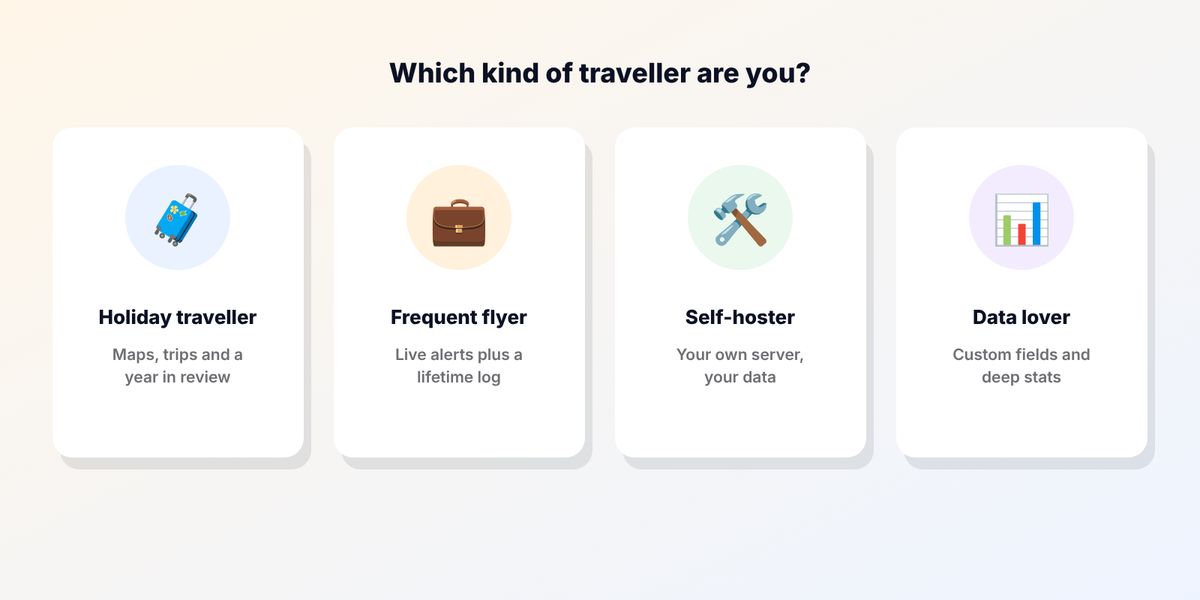
- I want everything free, on any phone, with something to share: flew.world.
- I want the best day-of-travel experience on iPhone: Flighty Pro.
- I already have years in myFlightradar24 or OpenFlights: export a CSV now, then decide. You can keep the original and import a copy anywhere.
- I want to own the server: AirTrail.
- I want custom fields and deep statistics: Log my World.
- I mainly plan trips: TripIt, with a log elsewhere.
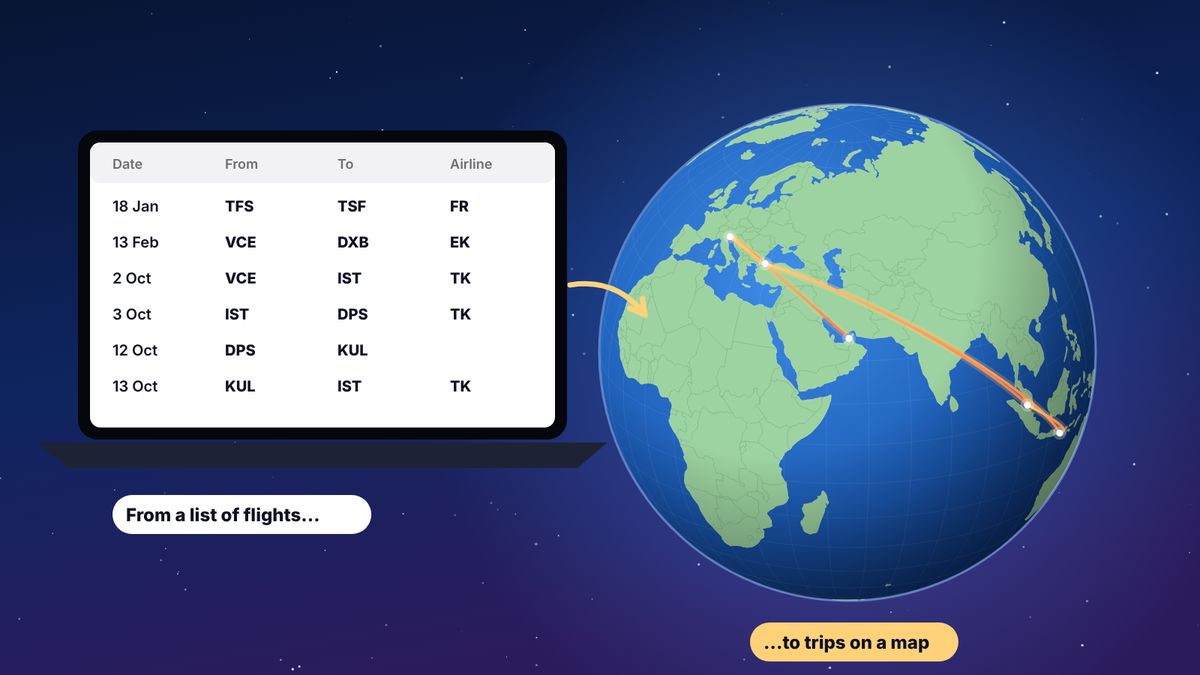
Whatever you choose, export your log once a year and keep the file somewhere safe. A CSV file with date, from and to for each flight can be read by almost every app on this list.
What makes a good flight log in 2027
A few trends are worth knowing about if you are choosing now:
- Export is non-negotiable. Apps close, change owners or start charging. A log you can’t export is a log you can lose.
- One app for tracking, another for memories is increasingly common, because the best trackers and the best logs are built for different moments.
- Sharing has moved to video. A year in review or a trip recap in Stories or Reels gets far more attention than a screenshot of a map.
- Cross-platform matters in families and teams, where not everyone has an iPhone.
Questions
What is a flight log?
A personal record of every flight you have taken: at least the date and the two airports, often with airline, flight number, aircraft and seat. Apps turn it into maps and statistics.
What is the best free flight log app?
For most people, flew.world: it is free with unlimited history, works on any device and adds trips, maps, a year in review and videos. myFlightradar24 and OpenFlights are free too, but have seen little development recently.
Can I move my flights between apps?
Usually, yes, through a CSV export and import. Check that the app you choose can export before you add years of history.
Is there a flight log app for Android?
Yes. flew.world works in any browser on Android and can be installed on the home screen. TripIt has an Android app. Flighty is not available on Android.
Sources
- Flighty pricing Flighty, checked November 2026
- Flighty Wikipedia
- TripIt pricing TripIt, checked November 2026
- AirTrail on GitHub features, licence and supported imports
- Log my World: new flight log competition for myFlightradar24 Travel-Dealz, April 2023
- Download myFlightradar24 flight history Flightradar24 support
- Alternatives to OpenFlights for logging FlyerTalk forum discussion
- OpenFlights import OpenFlights
Updated 2 November 2026. Spotted something out of date? Tell us at hello@flew.world.