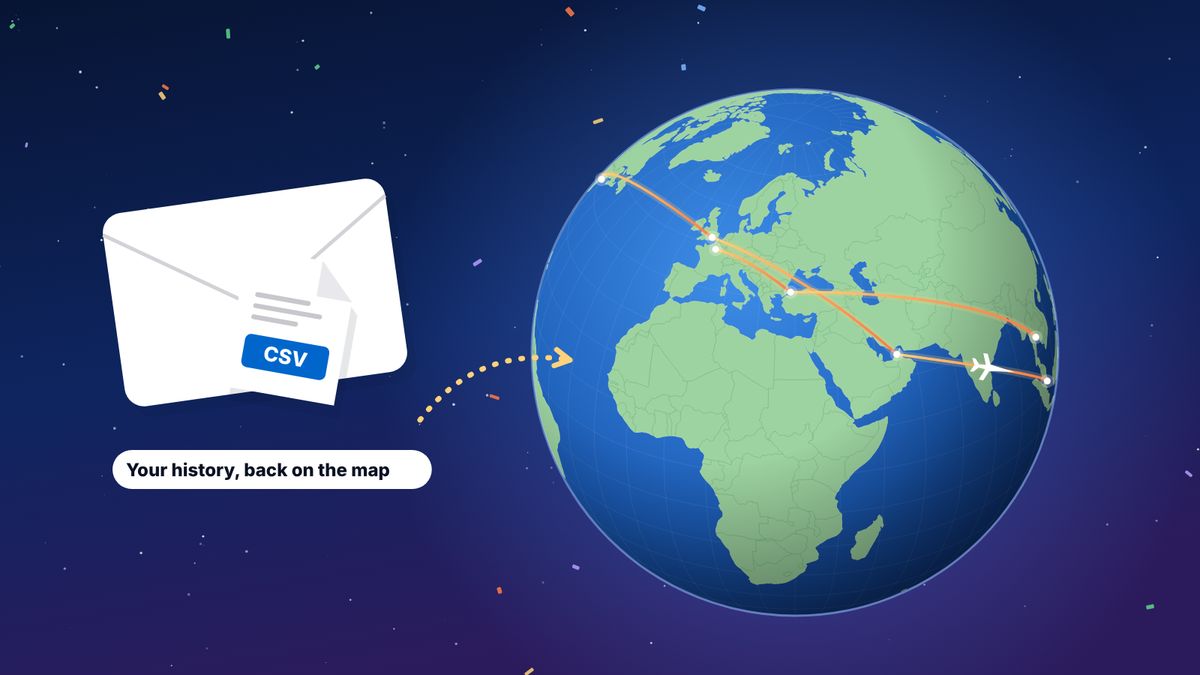
Both are free. myFlightradar24 is a long-running, simple flight log on the web: add a flight by number and date, and see a map and statistics. Reviewers note it has seen little development for years and isn’t built for phones. flew.world is a newer free log that works well on phones, groups flights into trips, and adds trip pages, a year in review and videos. You can export your myFlightradar24 flights as a CSV file and import them into flew.world in a few minutes, keeping the original.
myFlightradar24 has been the default free flight log for many people for over a decade. It started life as Flight Diary and is run by Flightradar24, the live flight tracking service. If you have been logging there for years, you may be wondering whether there is something more modern, and whether moving means starting again. It doesn’t.
We make flew.world, so we are not neutral. We have kept the comparison to facts you can check, and listed our sources at the end.
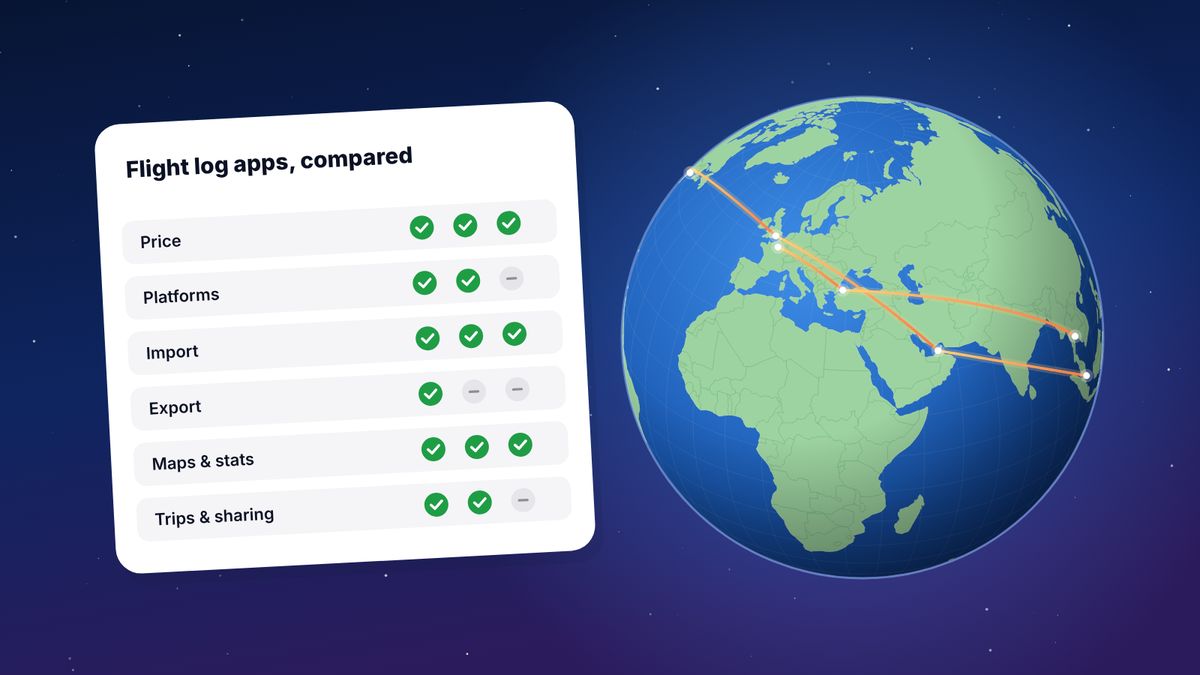
At a glance
| myFlightradar24 | flew.world | |
|---|---|---|
| Price | Free | Free |
| Where it runs | Web, designed for computers | Any browser; designed for phones too, installable |
| Adding a flight | Flight number and date fills in details | Flight number and date, boarding pass scan, import |
| Import | Not checked | myFlightradar24, Flighty, OpenFlights, App in the Air, TripIt calendar, CSV |
| Export | CSV | CSV, OpenFlights CSV, KML, GPX |
| Map | Routes and airports | Routes on a globe or flat map, airport filters, replay |
| Statistics | Extensive; rankings capped | Distance, time, airports, airlines, aircraft, countries, records |
| Trips | No | Flights grouped into trips automatically |
| Sharing | Shareable statistics | Public map, trip pages, year in review, videos |
| Development | Little in recent years, per reviewers | Active |
Where myFlightradar24 is good
Quick logging on a computer. Type a flight number and date and it fills in the airports and times, often the aircraft and registration too. A long-time user can log a flight in well under a minute.
Detail for enthusiasts. You can record aircraft type, registration, seat and a comment, and the statistics cover airlines, airports, aircraft and routes.
It is established. It has been running for many years, and many frequent flyers have their whole history there.
Your data is exportable. You can download all your flights as a CSV file, which makes it easy to keep a backup or try another app.
Where it falls short
A 2023 review by Travel-Dealz, comparing it with a newer log, summed up common complaints. Some may have changed since; check for yourself.
- Little development for years, with user requests largely unanswered.
- No mobile site. It is awkward to use on a phone, which is where most people are when they fly.
- Gaps in the airport list, so some flights couldn’t be logged.
- Statistics rankings capped at a fixed number of entries.
- No trips. Every flight stands alone. Connections, holidays and work trips look the same.
Where flew.world is different
Built for phones as well as computers. Add a flight at the gate in a few seconds, by flight number or by scanning your boarding pass.
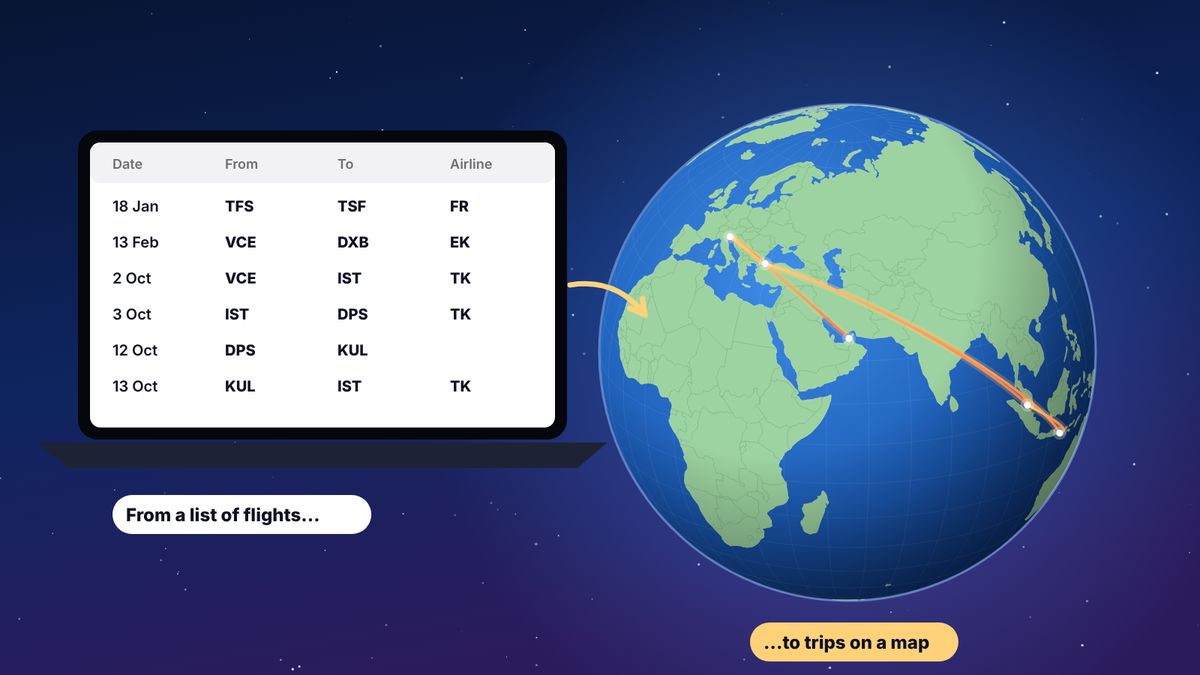
Trips, not just flights. flew.world groups flights into journeys and tells connections from destinations. Two hours in Istanbul on the way to Bali is a connection; four nights is a visit. You can correct either.
Something to share. Each trip gets a page with the route, your photos and a short video. Each year gets a year-in-review page with a passport card and three videos on a satellite globe. See Travel Wrapped 2026.
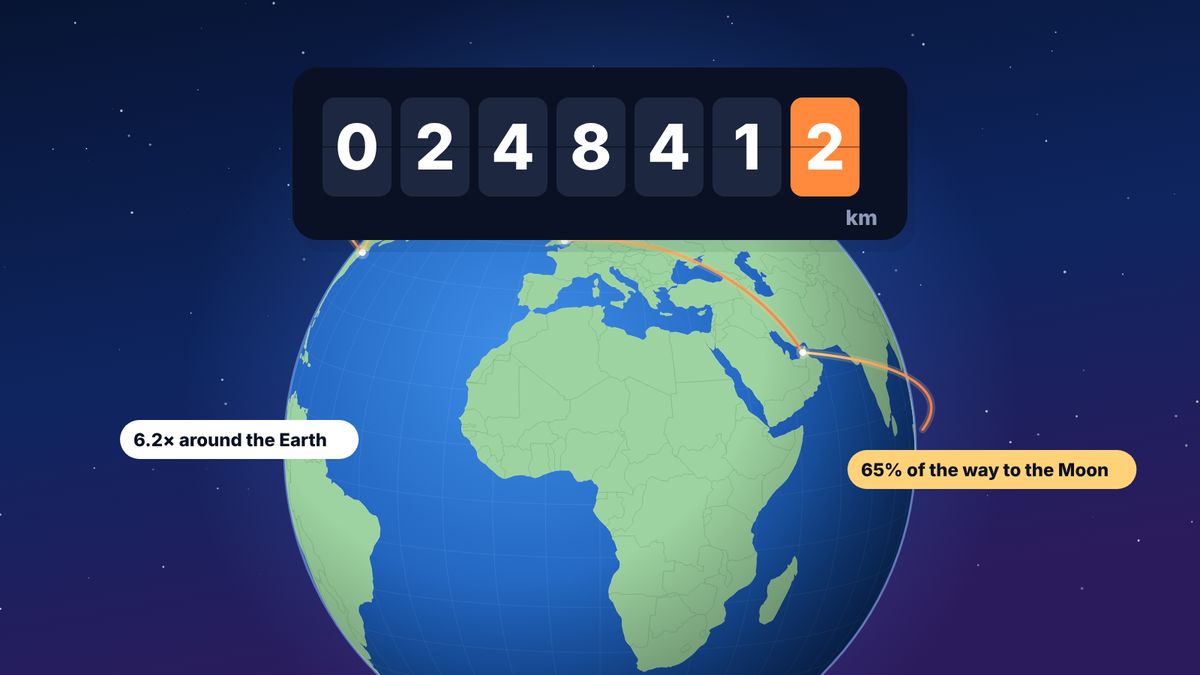
Honest numbers. Distances are great-circle distances between airports; times without a recorded duration are estimated and marked as estimated; countries are counted two ways (stayed in, and flown into or through), and both are shown.
More ways out. Export to CSV, OpenFlights CSV, KML for Google Earth, or GPX.
What it doesn’t have: fewer enthusiast-only fields than the most specialised logs, and no live tracking. flew.world also doesn’t have myFlightradar24’s connection to Flightradar24’s live tracking service.
How to move your myFlightradar24 history to flew.world
It takes about five minutes, and your myFlightradar24 account stays as it is.
- Export your flights from myFlightradar24. Signed in on the website, go to the export option in your settings and download the CSV file. Flightradar24’s help centre has the current link.
- Open flew.world/import and drop the file in. It is read in your browser, and you see your map before you sign up.
- Check the preview. Airports written like “Venice (VCE/LIPZ)” are read as they are. Any rows that couldn’t be read are listed with the reason.
- Create a free account to save. The flights open in your logbook’s import screen, where you confirm them. Flights that may already be in your logbook are pointed out, never merged silently.
- Explore. Your flights are grouped into trips, and every year you have logged gets its own year-in-review page.
Distances are recalculated from the airports using the great-circle formula, so totals can differ slightly from what myFlightradar24 showed. Neither is wrong; they just measure the same thing in slightly different ways.
What moves across, and what changes
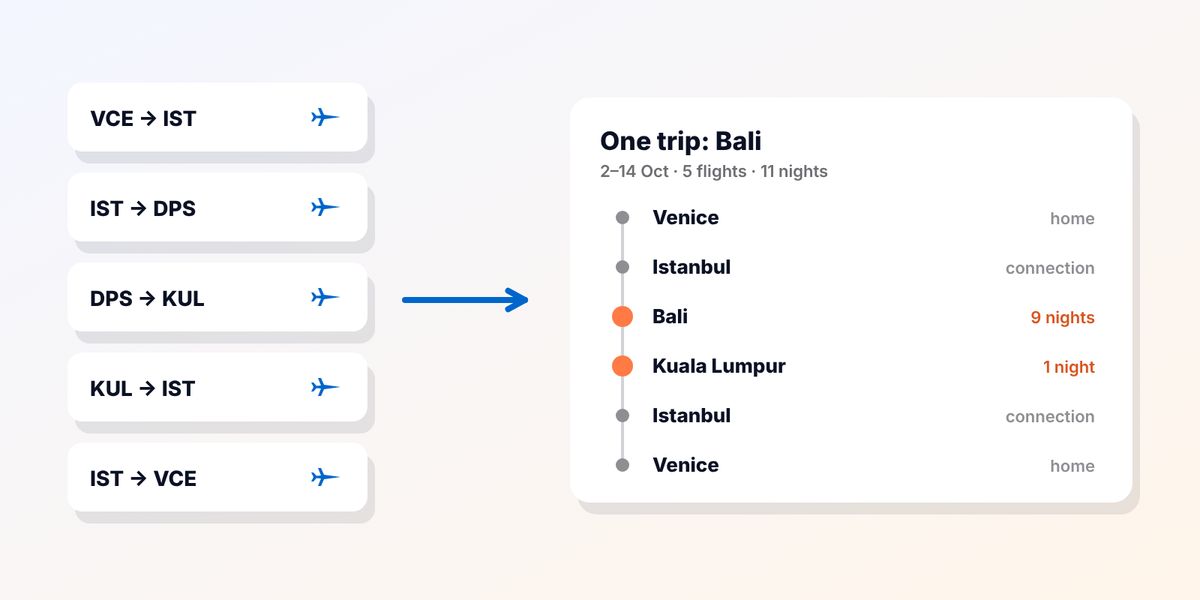
When you import a myFlightradar24 export into flew.world, the essentials come with you: the date, the airports, the flight number, the airline and, where your file has them, the aircraft, registration, seat, class and notes.
A few things work differently afterwards:
- Distances are recalculated from the airports along the great circle, so your total may move by a small amount.
- Flights become trips. flew.world groups them into journeys and decides which stops were connections and which were stays. Look through your trips once and correct any that are wrong; it takes a few minutes and makes every count after it more accurate.
- Countries are counted twice: countries you stayed in, and every country you flew into or through. Your myFlightradar24 country total will usually be closer to the second number.
- Each year gets a page. Every year in your history gets its own year in review, so ten years of logging becomes ten pages you can look back on.
Nothing is merged or deleted for you. If a flight looks like one already in your logbook, it is pointed out and you decide.
Can I use both?
Yes. Some people keep logging in myFlightradar24 out of habit and import into flew.world once a year for their year in review. Others switch completely. Because both export CSV, you are never locked in either way.
Which one should you choose?
- You log on a computer, care about registrations and seats, and are happy with how it works: stay with myFlightradar24, and keep a CSV backup.
- You want to log on your phone, see trips rather than single flights, and share your travels: flew.world.
- You are not sure: import a copy into flew.world and compare with your own data. Nothing changes in your myFlightradar24 account.
Looking at other options too? See the best flight log apps for 2027.
Questions
Is myFlightradar24 free?
Yes, myFlightradar24 is free to use.
How do I export my flights from myFlightradar24?
Signed in on the website, use the export option in your settings to download a CSV file of all your flights. Flightradar24’s help centre has the current link.
Will my myFlightradar24 statistics match flew.world exactly?
Close, but not always exactly. flew.world recalculates distances from the airports along the great circle, and counts countries in two clearly labelled ways.
Does importing delete anything from myFlightradar24?
No. Exporting creates a copy. Your myFlightradar24 account is unchanged.
Does flew.world track flights live?
No. flew.world is a log of the flights you take, with maps, statistics, trips and videos. Use a tracker such as Flightradar24 for live flights.
Sources
- Log my World: new flight log competition for myFlightradar24 Travel-Dealz, April 2023
- Download myFlightradar24 flight history Flightradar24 support
- Best ways to map and log your flights The Full Gull, 2018
Updated 2 November 2026. Spotted something out of date? Tell us at hello@flew.world.