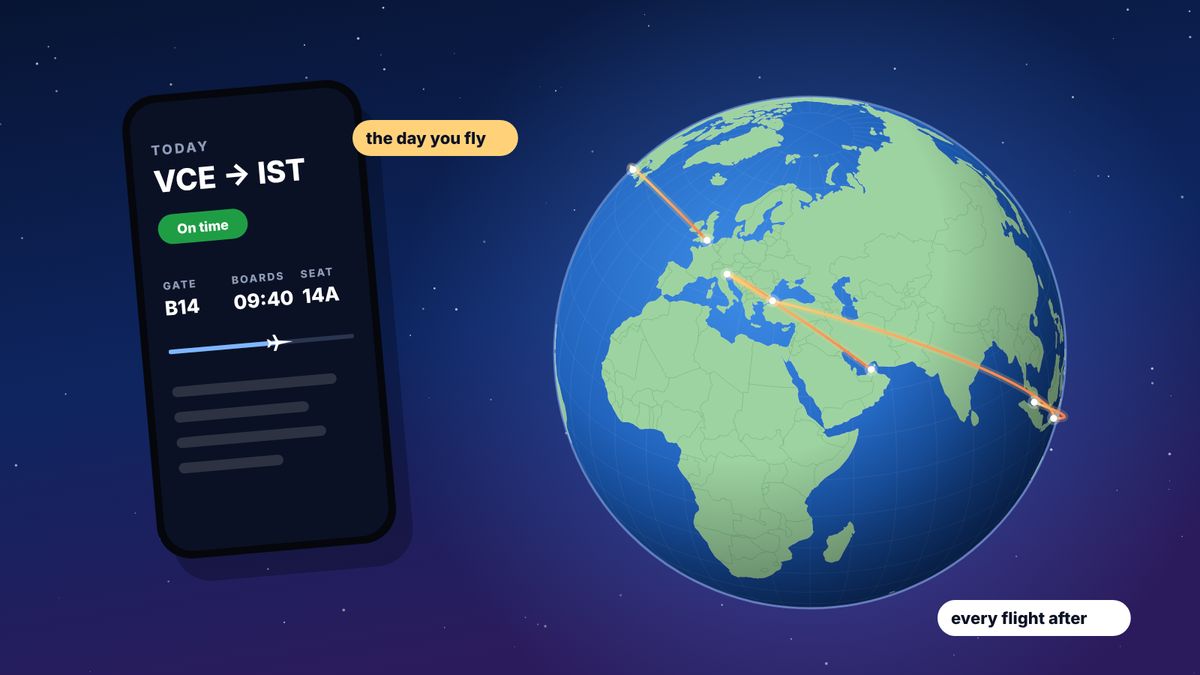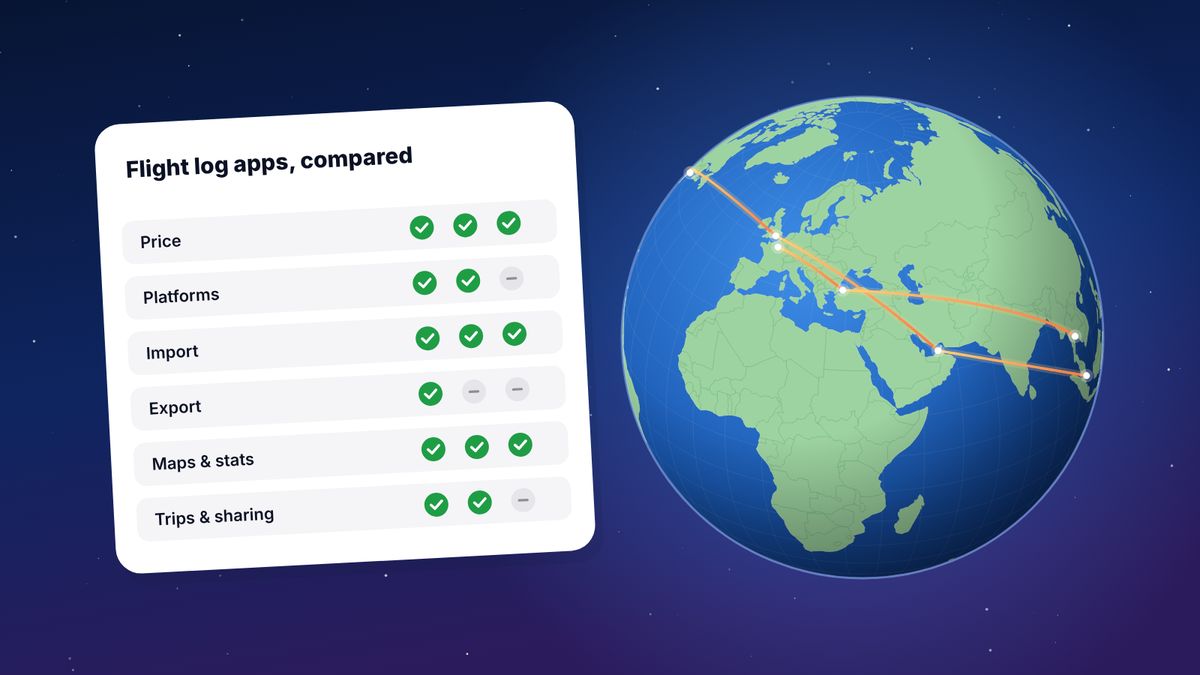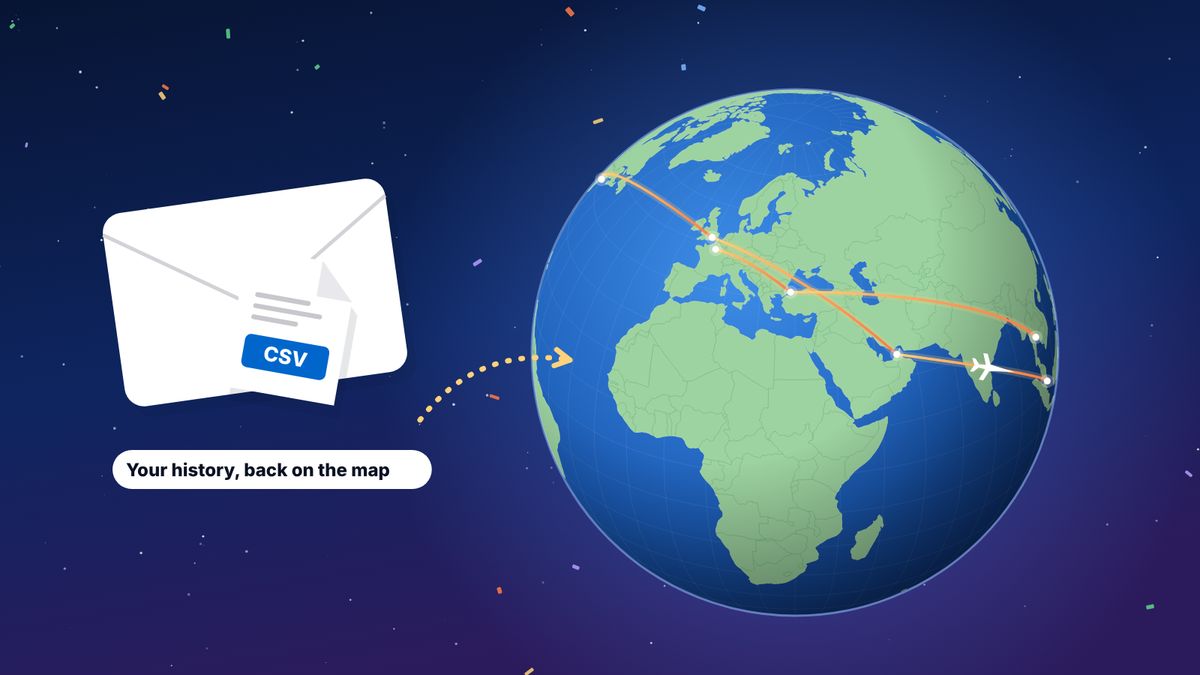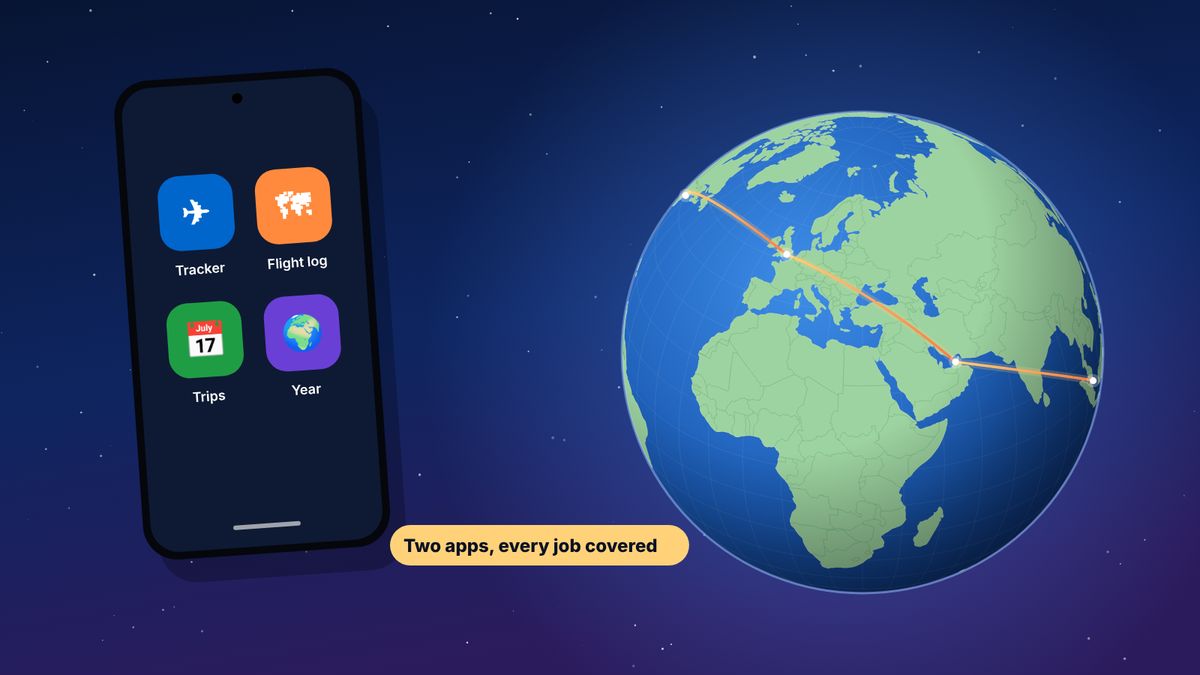
There is no Flighty for Android: Flighty is available for iPhone, iPad and Mac only. Android users can cover the same two jobs with two apps. For live tracking on the day you fly, use Flightradar24 or FlightAware, or TripIt Pro for alerts tied to your itinerary. For a flight log with maps, statistics and a yearly recap like Flighty Passport, use flew.world, which is free, runs in any Android browser and installs on the home screen, and can import a Flighty export if you switch from iPhone.
Flighty became one of the most talked-about travel apps of recent years, and Android users have been asking for it ever since. As of November 2026, Flighty lists only Apple platforms. The good news is that what Flighty does can be split into two jobs, and Android has good options for both.
We make flew.world, one of the apps below. Facts about the others come from their own pages and the sources at the end.
What you are actually replacing
Flighty does two things that people love:
- Live tracking on the day of travel: where your plane is coming from, delays before the airline announces them, gate changes and connection help. Many of these alerts are in Flighty Pro.
- A personal flight history: every flight you tracked, on a map, with Flighty Passport summarising your year.
No Android app does both exactly like Flighty, but combining one tracker with one log gets you close, and in some ways further.
For live tracking
Flightradar24
The best-known flight tracking service, with a long-standing Android app. It shows aircraft live on a map, flight status, airport arrivals and departures, and aircraft details. It is free to download, with paid subscriptions for more history and features.
Best for: watching your flight, or your family’s, on a map, and plane-spotting.
FlightAware
A flight tracker with an Android app, showing real-time status for flights worldwide, airport delays and alerts for flights you follow. It has been on Android for over a decade.
Best for: straightforward status and push alerts for specific flights.
TripIt (with Pro)
TripIt builds an itinerary from your booking emails and runs on Android. With TripIt Pro, $49 a year, you get real-time flight alerts, check-in and gate reminders and help finding alternative flights when things go wrong.
Best for: people who want alerts tied to their whole trip, hotels included.
For your flight history
flew.world
A free flight log that runs in Chrome or any Android browser and can be added to your home screen like an app.
- Add flights by flight number and date, by scanning a boarding pass, or by importing a file.
- See everything on a world map: distance, time in the air, airports, airlines, aircraft and countries.
- Trips, not just flights: flights are grouped into journeys, with connections told apart from stays. Each trip gets a page and a short video.
- A year in review: a passport card, records, a Wrapped story from 1 December and three videos of your year on a globe. It is the closest thing on Android to Flighty Passport, and it’s free.
- Export to CSV, OpenFlights CSV, KML and GPX.
What it doesn’t do: live tracking or delay alerts. Pair it with one of the trackers above.
myFlightradar24
The free flight log from Flightradar24, on the web. It fills in flight details from the number and date and shows a map and statistics. Reviewers note it isn’t designed for phones and has seen little development recently. See myFlightradar24 vs flew.world.
AirTrail
A free, open-source flight log you host on your own server. It works in any browser, including on Android, and imports from Flighty, App in the Air, myFlightradar24 and more. Best for technical users.
The comparison
| App | Job | Android | Price |
|---|---|---|---|
| Flighty | Tracking and history | No | Free; Pro $59.99 a year |
| Flightradar24 | Live tracking | Yes, app | Free; paid subscriptions |
| FlightAware | Live tracking and alerts | Yes, app | Free |
| TripIt | Itineraries; alerts with Pro | Yes, app | Free; Pro $49 a year |
| flew.world | Flight log, trips, year in review | Yes, browser, installable | Free |
| myFlightradar24 | Flight log | Web | Free |
| AirTrail | Self-hosted flight log | Browser | Free |
How to add flew.world to your Android home screen
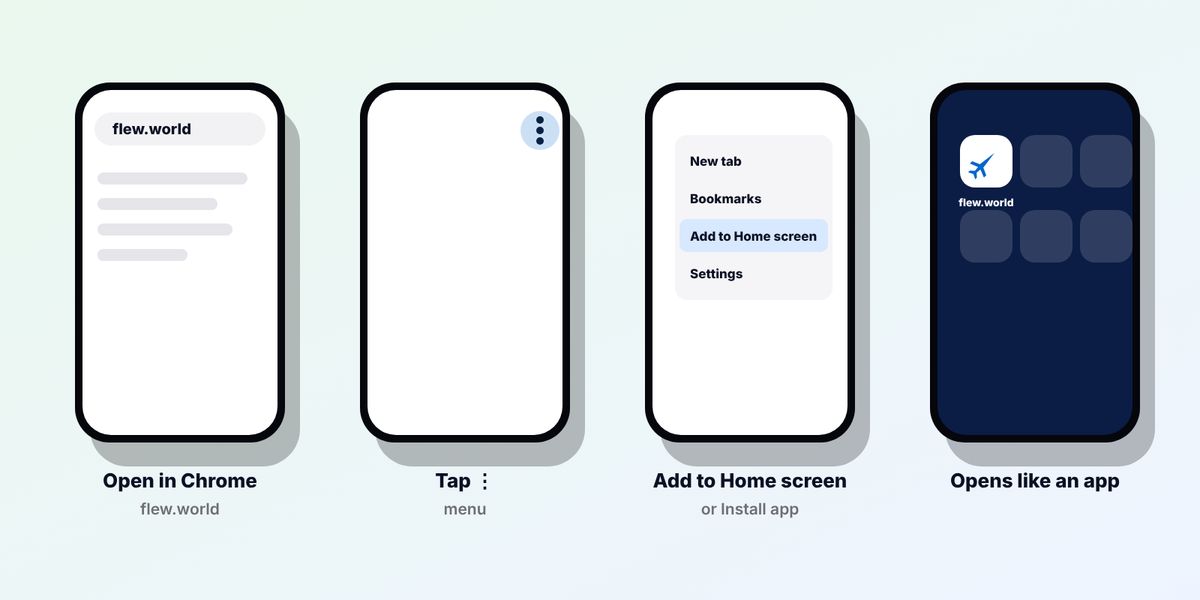
flew.world runs in the browser, but it can live on your home screen like any other app:
- Open flew.world in Chrome on your Android phone and sign in.
- Tap the three-dot menu in the top right corner.
- Choose Add to Home screen or Install app, depending on your version of Chrome.
- Confirm. The flew.world icon appears on your home screen and opens full screen, without the browser bar.
Other Android browsers, such as Samsung Internet, have a similar option in their menu. Your logbook keeps working when you’re offline on a plane: the last flights you loaded are kept on the phone, and anything you add is saved when you’re back online.
Switching from iPhone to Android?
If you used Flighty on an iPhone and are moving to Android, take your history with you before you switch:
- On your iPhone, export from Flighty: Profile, Settings, Account Data, Export Your Flights. Save the CSV file to iCloud Drive, email it to yourself or put it somewhere you can reach from the new phone.
- On your Android phone, open flew.world/import and choose the file. You see your map before you sign up.
- Save it with a free account. Cancelled flights are skipped, and possible duplicates are pointed out.
- Add flew.world to your home screen from the browser menu.
Your export contains the flights in your Flighty account; anything missing can be added on flew.world by flight number and date.
Questions
Is Flighty available on Android?
No. Flighty is available for iPhone, iPad and Mac only.
What is the best Flighty alternative for Android?
Use two apps: a tracker such as Flightradar24 or FlightAware for the day you fly, and a flight log such as flew.world for your history and year in review.
Is there a Flighty Passport for Android?
Not from Flighty. flew.world’s year in review is a free alternative with a passport card, records and videos, and it works on Android.
Can I move my Flighty history to Android?
Yes. Export a CSV from Flighty on your iPhone and import it into flew.world on Android.
Does flew.world have an Android app?
flew.world runs in the browser and can be added to your home screen, where it opens like an app. You don’t need to download anything from the Play Store.
Sources
- Flighty pricing Flighty, checked November 2026
- Flighty review Going: platforms and Flighty Passport
- FlightAware brings its flight tracking app to Android AddictiveTips
- TripIt pricing TripIt
- AirTrail on GitHub
Updated 2 November 2026. Spotted something out of date? Tell us at hello@flew.world.