The quickest way to make a travel year-in-review video is to let your flights do the editing. Add the year’s flights to flew.world (free), add one photo per trip if you like, then open your year page and pick a style: my year travels (on the beat, opening into your photos), Globe trip (the camera flies with the plane) or Sunrise flight (real day and night). Save it as a vertical MP4 and post it to Reels, TikTok or Stories. It takes about ten minutes, most of it spent choosing photos.
A year-in-review video is one of the few posts people watch to the end, because it is a story with a beginning and an end: January to December, home to the farthest place you went and back. The hard part has always been the editing. Cutting forty clips to music on a phone takes an evening, and most of us give up halfway.
There is a shortcut. If you know where you flew and when, the route itself is the storyboard. This guide shows how to build the video from your flights, how to choose the style and photos, and how to post it so it travels.
What makes a good travel recap video
Before you make one, it helps to know why some recaps work and others get skipped.
- A clear order. The year in sequence, place by place. Viewers follow a journey; they scroll past a random montage.
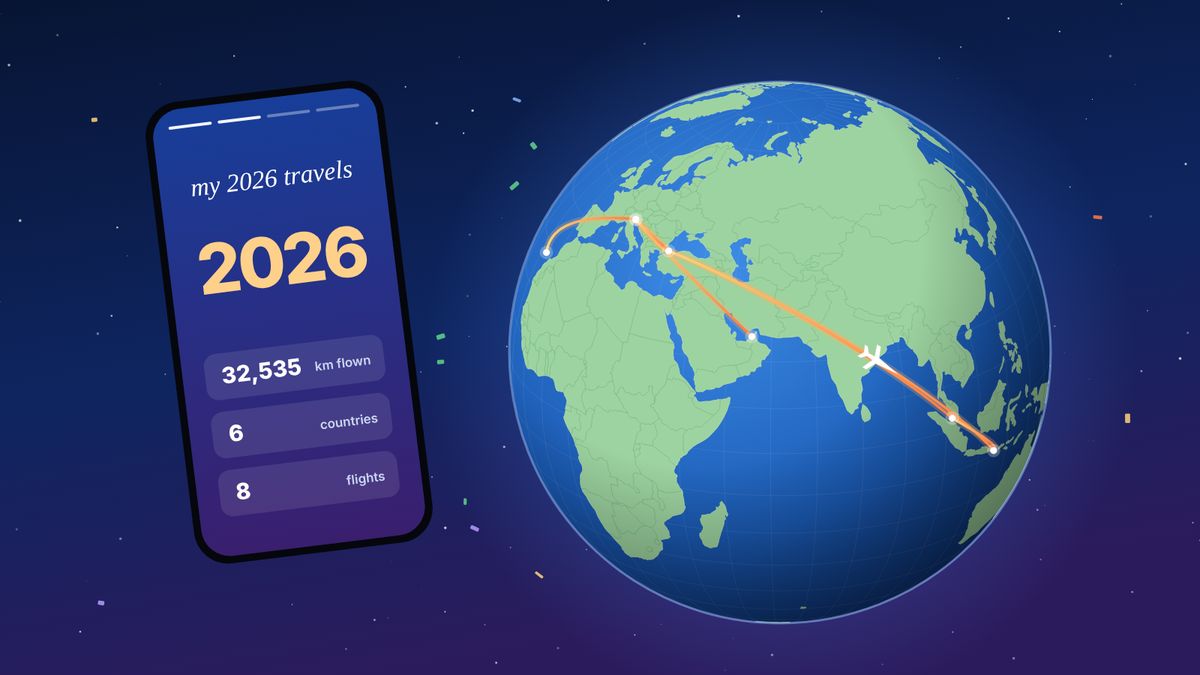
- A hook in the first second. The year, the number of countries, or a striking first image. “2026: 6 countries, 32,535 km” stops the thumb.
- Movement between places. A line across a map or a globe connects the clips and makes the distances feel real.
- Short. Thirty to sixty seconds is plenty. Long enough to cover the year, short enough to be watched twice.
- Vertical. 9:16 fills the screen on Reels, TikTok and Stories. A horizontal video shows up as a strip with black bars.
- The numbers at the end. A final card with the totals gives people something to react to.
Step 1: get your year’s flights in one place
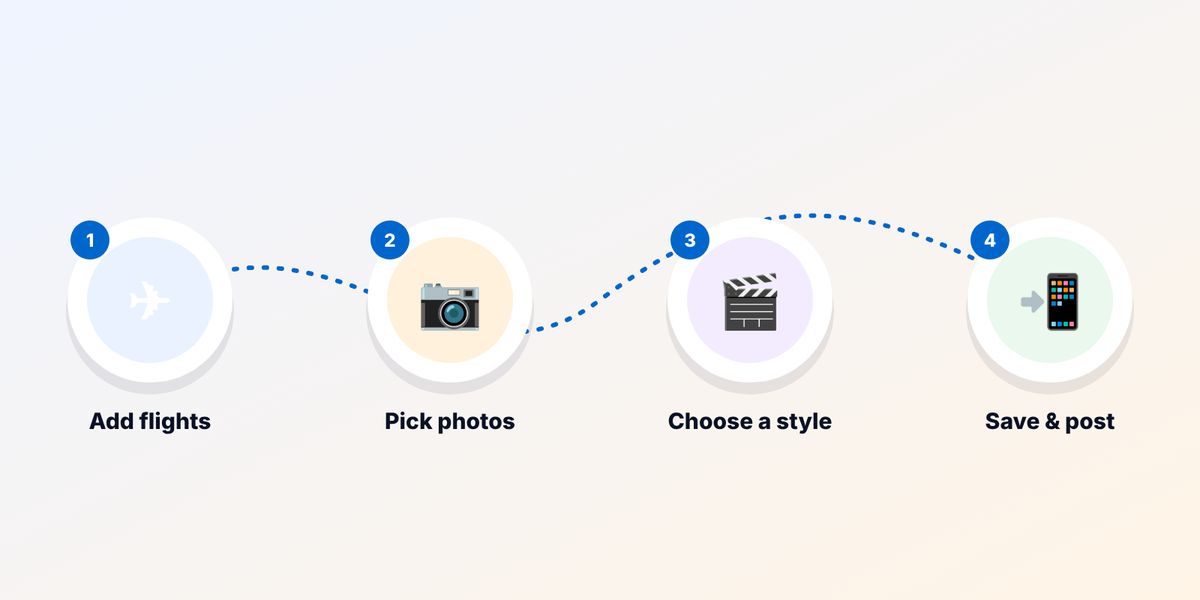
The video is built from your flights, so start there. On flew.world:
- Create a free account. It works in the browser on any phone or computer.
- Add each flight by flight number and date, by scanning a boarding pass, or by importing a CSV export from Flighty, myFlightradar24, OpenFlights or an old App in the Air export. You check every flight before it is saved.
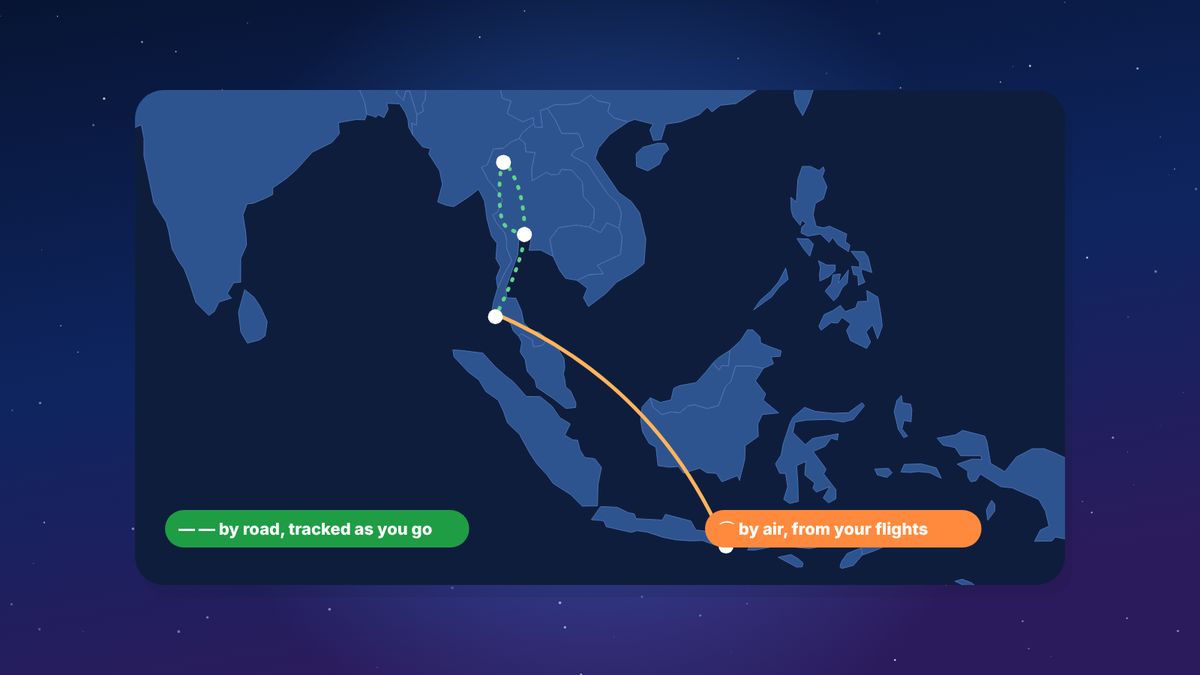
- Look at your trips. Flights are grouped into trips automatically, and a short change of planes is treated as a connection rather than a destination. If a stop was really a stay, mark it as one; the video follows your stops.
If you are not sure you have every flight, see where to look in Travel Wrapped 2026.
Step 2: choose a style
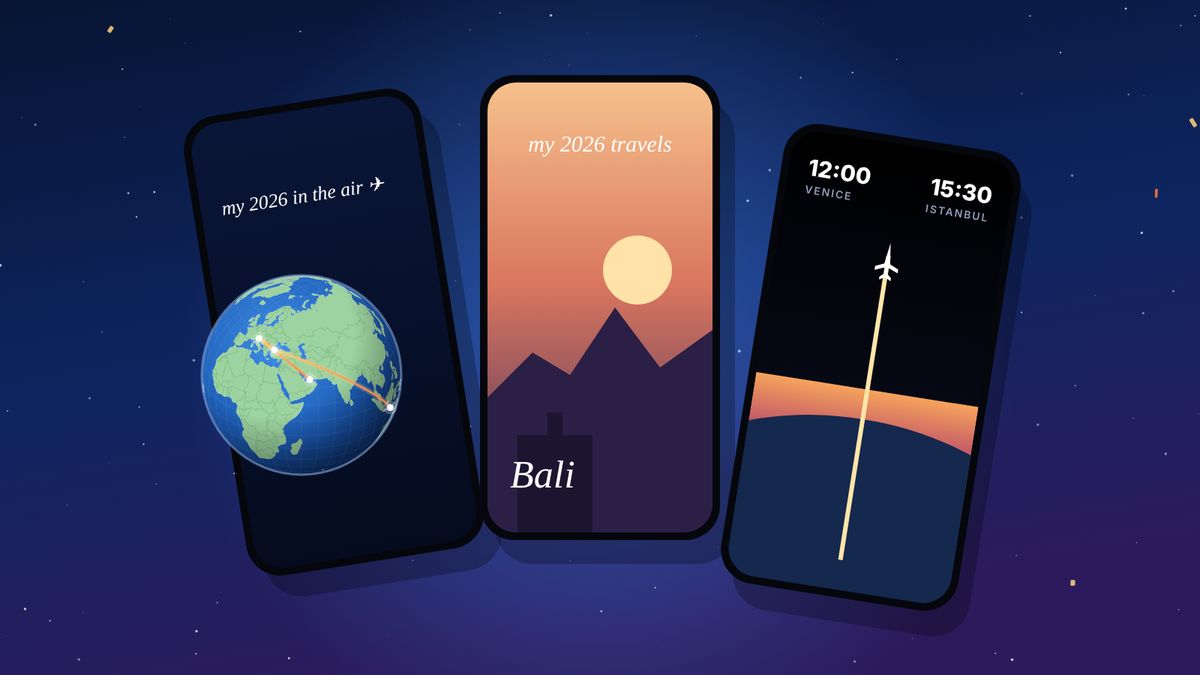
Each style tells the same year in a different way. All three are vertical, come with music and are made on your own device.

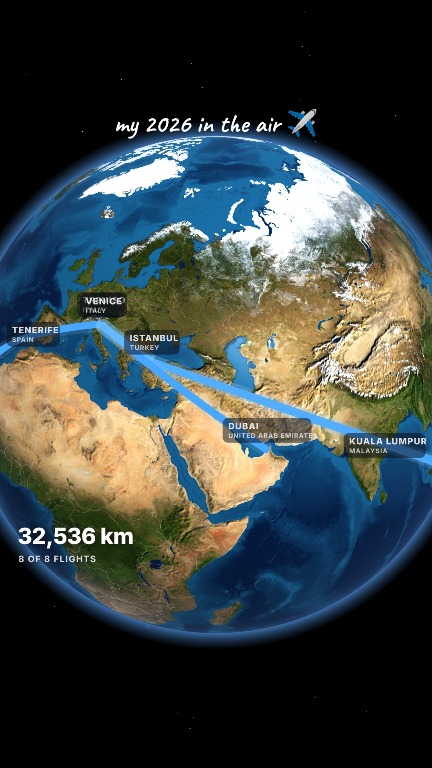
my year travels
The globe spins on the beat to each place you went, and every city opens like a portal into a photo. The trip count and countries tick up along the way, and the video ends with your totals. Choose it if you have a good photo from most trips. It is the most personal of the three and the best for Reels and TikTok.
Globe trip
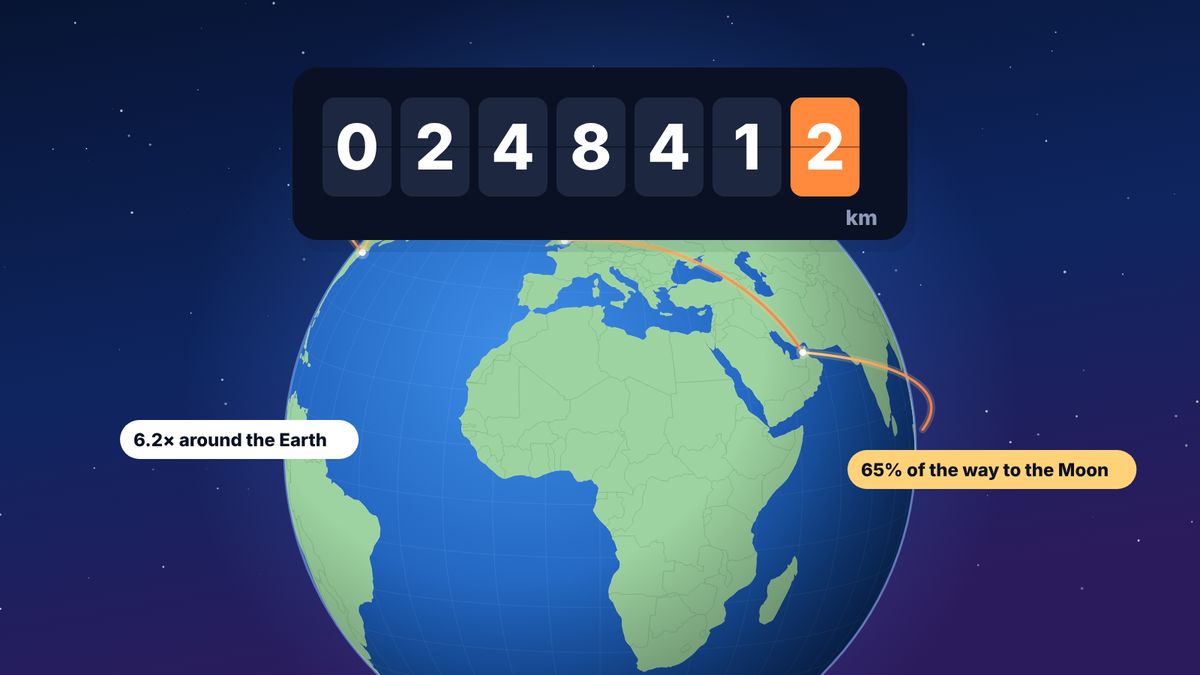
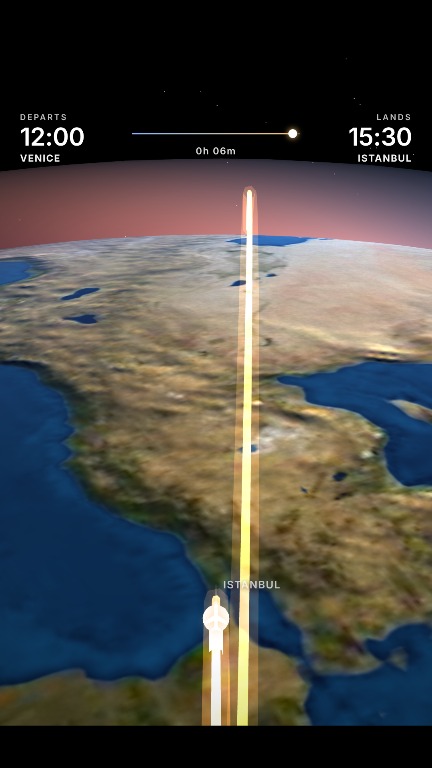
A bright satellite globe, with the camera flying along each route behind the plane. Every city gets a label and a counter adds up the kilometres. Choose it if you flew a lot, or far, or if you don’t have many photos. It makes long-haul years look spectacular.
Sunrise flight
Each flight is shown in real day or night, worked out from its departure time and the sun’s position, with city lights after dark and the sunrise as you land. Choose it if you want something calm and cinematic. It works best when your flights have their real departure times recorded.
You can watch all three, made from a real traveller’s year, on the year in review page.
Step 3: pick the photos
Photos are optional: without them, each destination uses flew.world’s artwork of that city. But one good photo per trip makes the video yours.
- One per destination is enough. The video opens one photo per stop, so pick the best, not the most.
- Vertical photos work best. They fill the frame without cropping.
- Choose the place, not just the people. A view that says “Bali” or “Istanbul” reads instantly; a close-up selfie could be anywhere.
- Keep it bright. Dark photos look darker on a phone screen at night.
- Mind other people’s privacy. If friends appear, ask before you post.
Add photos on each trip’s page. They also become the cover of that trip’s page and its link preview.
Step 4: make and save the video
- Open your year page at flew.world/u/yourname/2026. Press play on the globe to watch the year in the browser, with sound if you turn it on.
- Open the Share Studio in the Create section of the same page and choose a style.
- Adjust the words at the top if you like, such as “my 2026 travels ✈︎”, and switch options on or off: the counter, the photos, cinema bars.
- Save it. The video is made on your device and saved as an MP4 to your photos or downloads. Depending on your phone this takes a minute or two. A caption is copied for you to paste.
Nothing is posted for you. The video goes to your device, and you decide where it goes from there.
Step 5: post it so people watch
Instagram Reels and Stories
- Upload the MP4 as a Reel. It is already 9:16.
- Keep the built-in music, or mute it and add a trending sound from Instagram’s library. Trending audio can help reach.
- Pick a cover frame with the year or the globe, so it reads well on your profile grid.
- For a Story, add a link sticker to your year page if your profile is public, so friends can tap through to the map.
TikTok
- Upload the MP4, then add a sound from TikTok’s library if you want to ride a trend.
- Put the hook in the caption too: “Every flight of my 2026 in 43 seconds.”
- Reply to the inevitable “where was that?” comments with the city; it keeps the video circulating.
WhatsApp and family chats
Send the MP4 directly, or send the link to your year page if your profile is public. The link shows a preview with your map.
When to post
The week between Christmas and New Year, and the first days of January, are when year-end recaps get the most attention. Your flew.world year page says “so far” until 31 December, so a late-December trip still makes it in.
Caption ideas
- “2026 in 43 seconds. 8 flights, 6 countries, 32,535 km ✈︎”
- “Every flight of my year, on a globe. Which stop would you pick?”
- “Didn’t realise I flew 81% of the way around the Earth this year.”
- “January in Treviso, October in Bali. 2026, you were good to me.”
- “Where should 2027 take me? 👇”
If you didn’t fly much this year
A year with two trips can still make a great video: fewer stops means each one stays on screen longer. Globe trip works well here, because even one long flight looks impressive from orbit. Or wait and make a recap of a single trip instead: every trip on flew.world gets its own short video and page.
Questions
How long should a travel year-in-review video be?
Thirty to sixty seconds works best on Reels and TikTok. The flew.world styles run from about 40 to 55 seconds for a typical year.
What format should it be?
Vertical 9:16, as an MP4 file. That is what Reels, TikTok and Stories use, and what flew.world saves.
Can I make one without photos?
Yes. Without photos, each destination uses flew.world’s artwork of that city. Globe trip and Sunrise flight don’t need photos at all.
Can I change the music?
The video comes with its own music. On Instagram or TikTok you can mute it and add a sound from their libraries instead.
Is it free?
Yes. The videos are made in your browser, and saving them is free.
Does it work on Android?
Yes. flew.world runs in the browser on Android, iPhone and computers.
Updated 2 November 2026. Spotted something out of date? Tell us at hello@flew.world.