TripIt is a trip planner: forward your booking emails and it builds one itinerary per trip, with alerts and help on the day in its Pro plan ($49 a year). flew.world is a flight log: it keeps every flight you have taken, on any airline and from any year, and turns them into maps, trip pages, a year in review and videos, for free. They work well together: flew.world can read your flights from TripIt’s calendar feed.
TripIt and flew.world are both about trips, but they face in opposite directions. TripIt looks forward: what time is my flight, where is my hotel, what’s the confirmation number. flew.world looks back: where have I been, how far have I flown, and how do I share that trip. If you were an App in the Air user, TripIt is the replacement App in the Air itself recommended for planning, and a log like flew.world covers the history side.
We make flew.world. Facts about TripIt come from its pricing and help pages, checked in November 2026.
At a glance
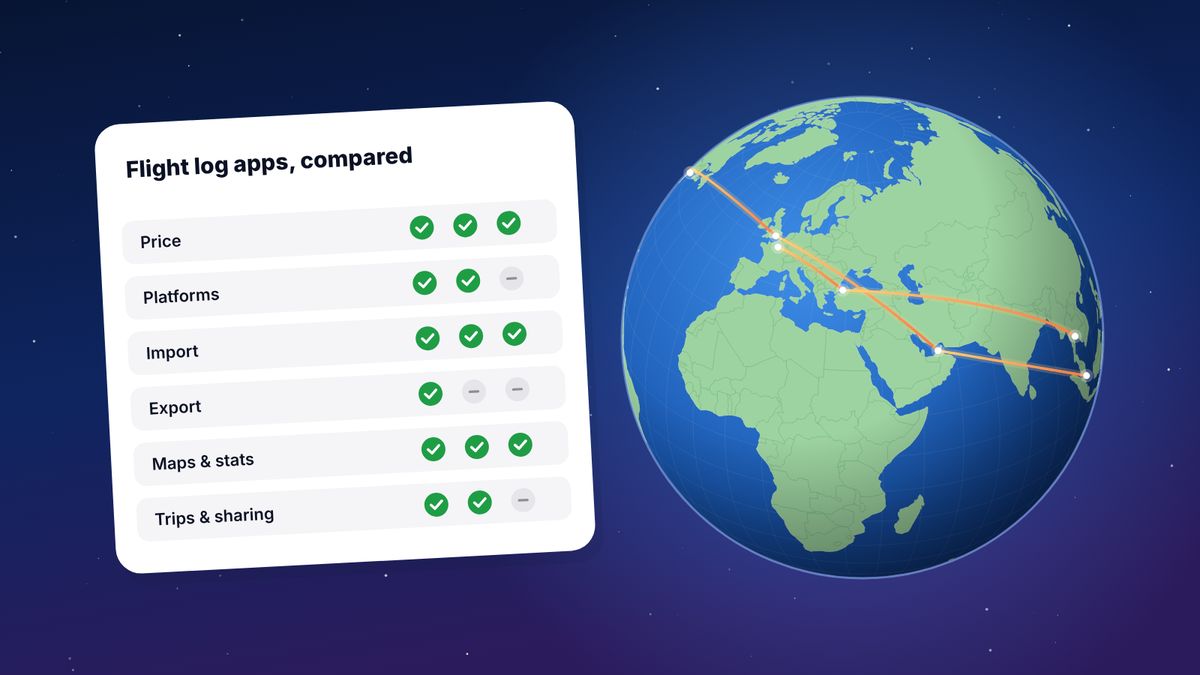
| TripIt | flew.world | |
|---|---|---|
| Main job | Organising upcoming trips | A lifetime log of flights and trips |
| How trips get in | Forward booking emails, or connect your inbox | Flight number and date, boarding pass scan, imports, TripIt calendar feed |
| Covers | Whole itineraries: flights, hotels and other bookings | Flights |
| Platforms | iPhone, Android, web | Any browser; installable |
| Price | Free; Pro $49 a year | Free |
| Alerts on the day | With Pro | No |
| Statistics | Travel stats: distance, days, trips, countries, cities | Distance, time in the air, airports, airlines, aircraft, countries, records |
| Maps | Not compared | Every flight on a world map, filters, route replay |
| Year in review | Travel stats by year | Year page, passport card, Wrapped story, three videos |
| Past trips before you joined | Not stated | Yes, any year; import from other apps |
What TripIt does well
Itineraries without typing. Forward a booking confirmation to TripIt and it reads the details into a trip: flights, hotels and the rest of your bookings. With your inbox connected, it can do this automatically.
Everything in one place on the day. Confirmation numbers, addresses and times are in one plan you can share with whoever is travelling with you.
Pro for busy travellers. TripIt Pro, at $49 a year, adds real-time flight alerts, check-in and gate reminders, help finding alternative flights and better seats, fare refund monitoring, airport navigation and reward programme tracking.
Travel stats. The free version tallies your travel: distance between your daily locations, days away, trips, countries and cities, shown by year. It needs your home location and assumes you go home between trips.
Where flew.world is different
It’s about the flights you took, all of them. TripIt knows the trips you put into it. flew.world can hold your whole flying history: import exports from Flighty, myFlightradar24, OpenFlights or App in the Air, add old flights by number and date, and every year since your first flight gets a page.
Flying in detail. Great-circle distance for every flight, time in the air (recorded or clearly marked as estimated), airports, airlines, aircraft, connections told apart from stays, and records such as your longest flight.
Something to share. A page and short video for every trip, a year-in-review page with a passport card, and three videos of your year on a satellite globe to save as MP4s for Reels or TikTok. See Travel Wrapped 2026.
Free. Everything, including the videos.
What flew.world doesn’t do: it doesn’t organise hotels or bookings, and it doesn’t send alerts on the day you travel.
Using them together
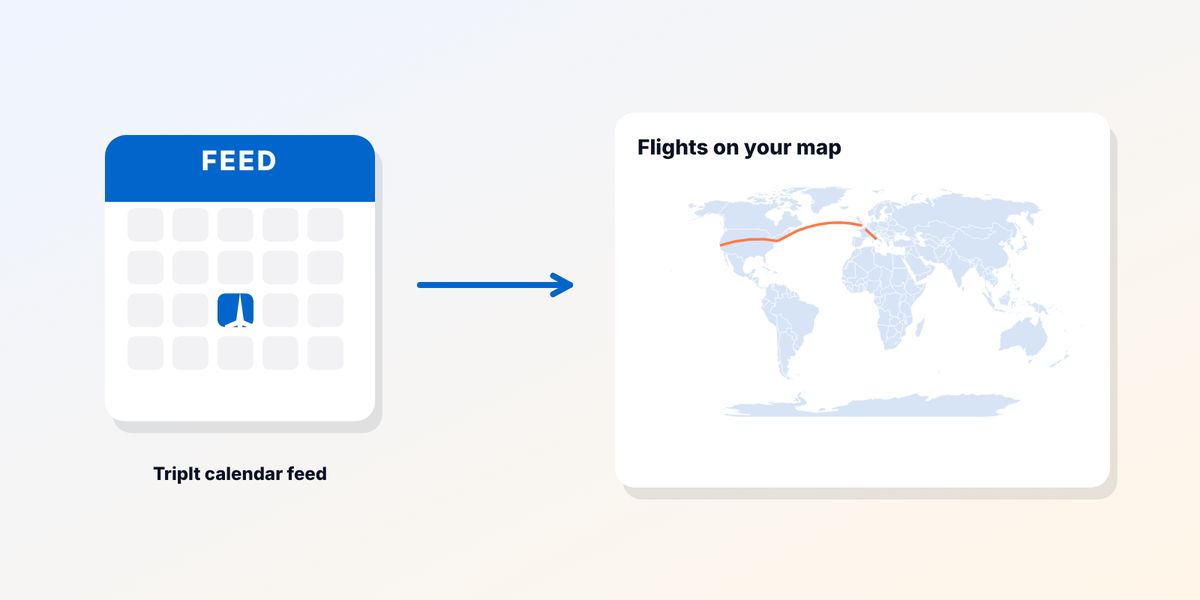
You don’t have to type a trip twice. flew.world can read flights from your TripIt calendar feed:
- In TripIt on the web, open Settings, then Calendar Feed, and copy the feed address.
- In flew.world, open the Import panel and paste the address.
- Your TripIt flights land on your map. Each trip gets a page and a video once it’s over, and your year in review fills in by itself.
Only flights in the feed come across; older trips can be added by flight number and date in a few seconds.
Trips in TripIt vs trips in flew.world
The two apps mean slightly different things by “trip”.
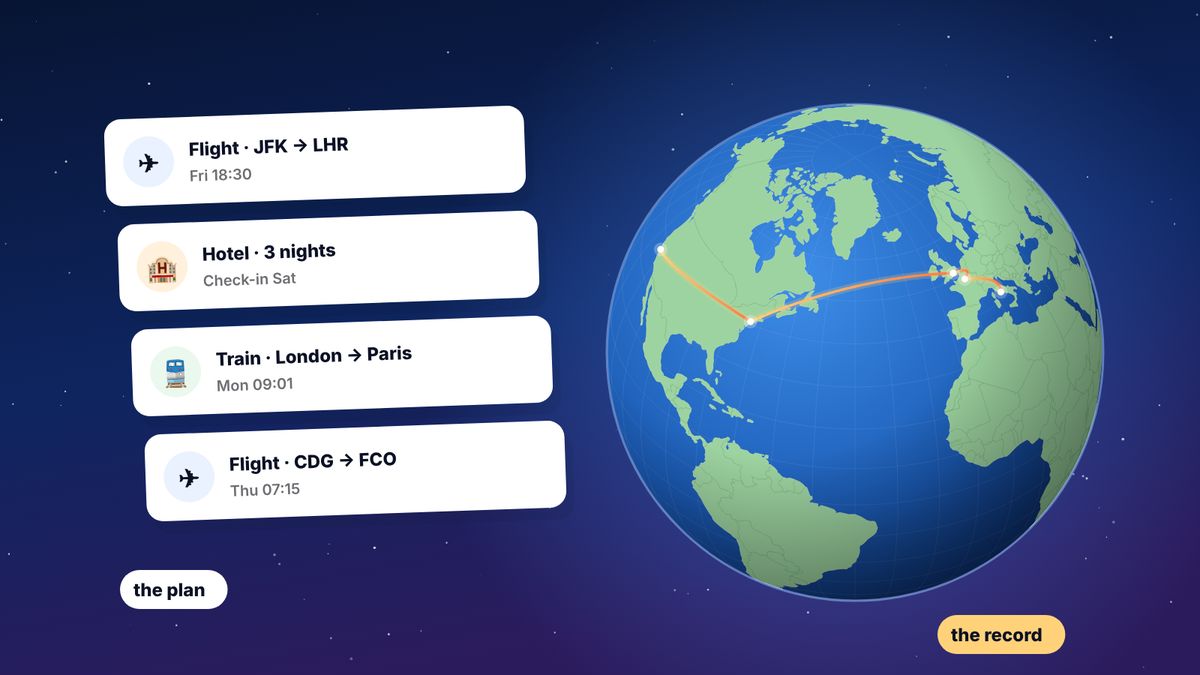
- In TripIt, a trip is a plan. It starts when you forward the first booking and contains everything for those dates: flights, hotels, car hire and notes. You decide where one trip ends and the next begins.
- In flew.world, a trip is worked out from your flights. Flights are grouped into a journey from home and back, and each stop is classed as a connection or a stay. Two hours in Istanbul is a connection; four nights in Istanbul is a visit. You can correct any stop.
That difference matters for statistics. TripIt’s travel stats measure distance between the places you stay each day, assuming you return home between trips. flew.world measures the great-circle distance of every flight, so its totals are about flying rather than travelling in general. Both are useful; they answer different questions.
Coming from App in the Air?
App in the Air did both jobs: it organised upcoming flights and kept a log of past ones. When it closed in September 2024 it recommended TripIt, which covers the planning side well. For the history side, flew.world can read the App in the Air export file if you saved one, and turn it back into a map with trips and yearly pages. More in the best App in the Air replacements.
Which one should you choose?
- You want your bookings organised before and during a trip: TripIt, and Pro if you travel often for work.
- You want a record of every flight you’ve ever taken: flew.world.
- You want a year in review or trip videos to post: flew.world.
- You want both: plan in TripIt, connect the calendar feed, and let flew.world keep the record.
Questions
Is TripIt free?
Yes, TripIt has a free version. TripIt Pro costs $49 a year and adds real-time alerts and more.
Does TripIt show my travel statistics?
Yes. TripIt’s travel stats show distance, days away, trips, countries and cities by year, based on your trips and your home location.
Can I import TripIt flights into flew.world?
Yes. Copy your calendar feed address from TripIt’s settings and paste it into flew.world’s Import panel.
Does flew.world organise hotels and bookings?
No. flew.world keeps a log of your flights and trips. Use TripIt or a similar planner for bookings.
Which app did App in the Air recommend?
App in the Air recommended TripIt to its users when it shut down in 2024.
Sources
- TripIt pricing TripIt, checked November 2026
- Travel stats TripIt help centre
- App in the Air says goodbye, recommends the competition heise online
Updated 2 November 2026. Spotted something out of date? Tell us at hello@flew.world.