If you log flights on OpenFlights, export your history now (Settings, then Backup to CSV), because users report the site is no longer maintained and newer airlines can’t be added. The best alternatives in 2027 are flew.world (free, any device, imports OpenFlights CSV directly and exports back to OpenFlights format), AirTrail (free and open source, self-hosted, imports OpenFlights), myFlightradar24 (free, simple, on the web) and Log my World (detailed, with a paid tier).
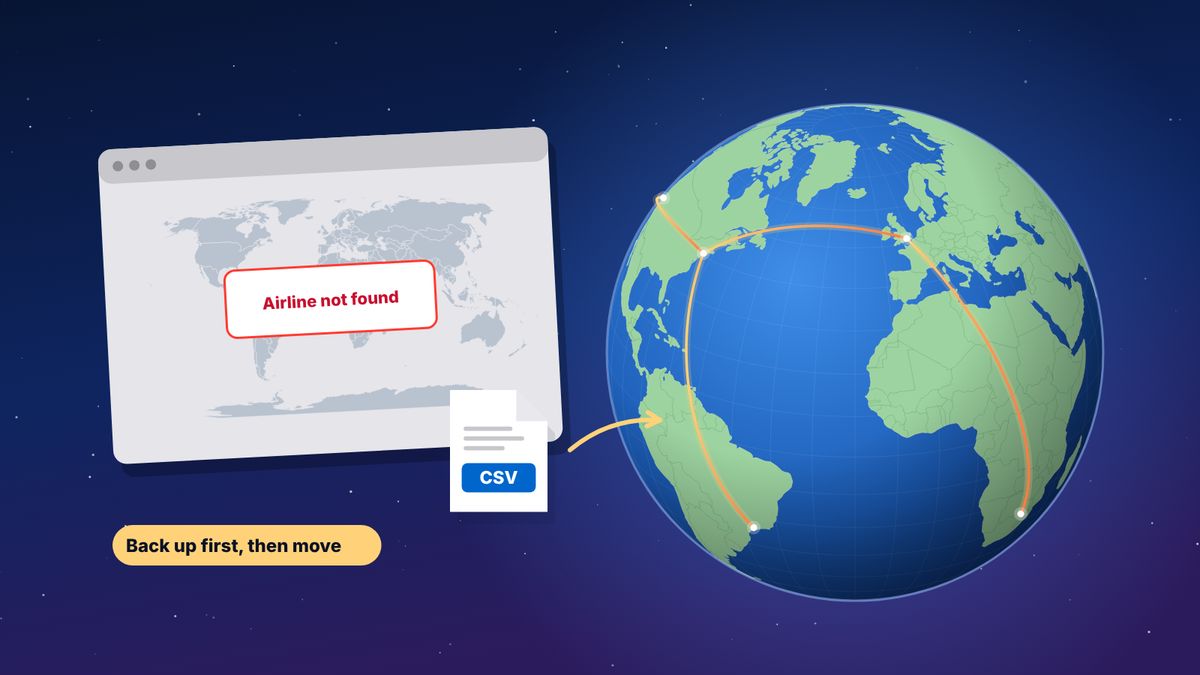
OpenFlights has been a home for flight enthusiasts for a long time. It is free, open, and its airport and airline data is used by countless other projects. But users on frequent-flyer forums report that the site has stopped being maintained: newer airlines such as ITA Airways can’t be logged, and some features no longer work as they should. If you have years of flights there, the most important step is the first one: make a copy.
We make flew.world, one of the alternatives below, and say so where it matters. Facts about the other apps come from their own pages and from the sources at the end.
First: back up your OpenFlights history
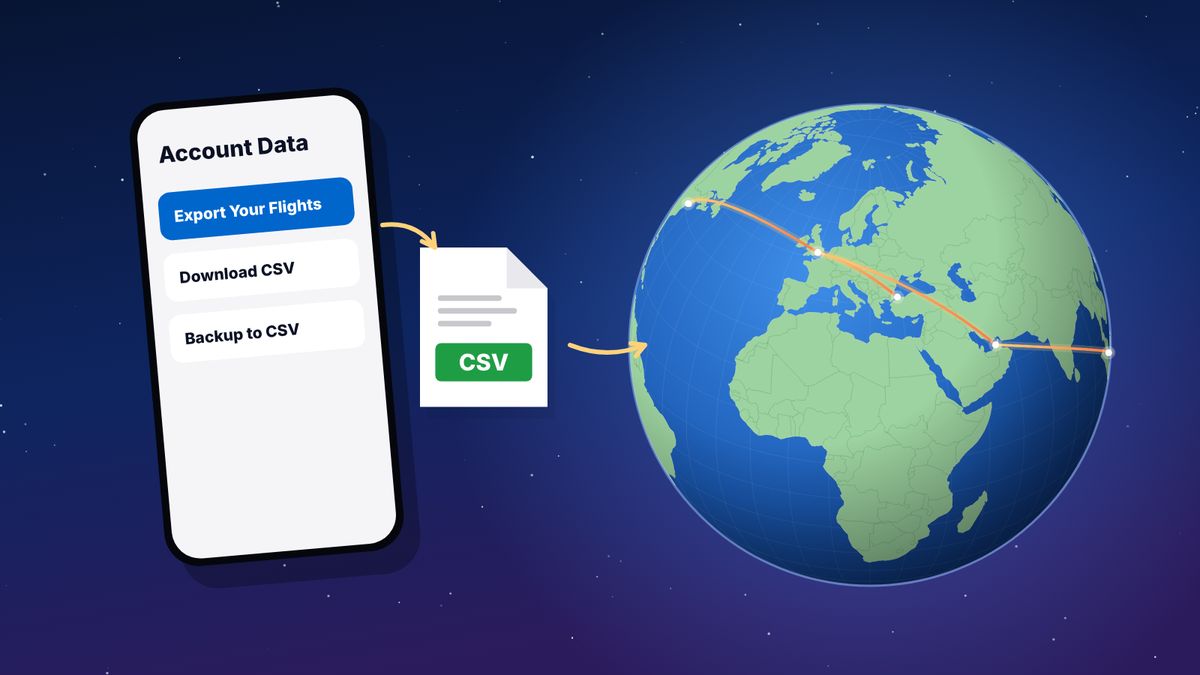
- Sign in on the OpenFlights website.
- Open Settings.
- Click Backup to CSV and save the file.
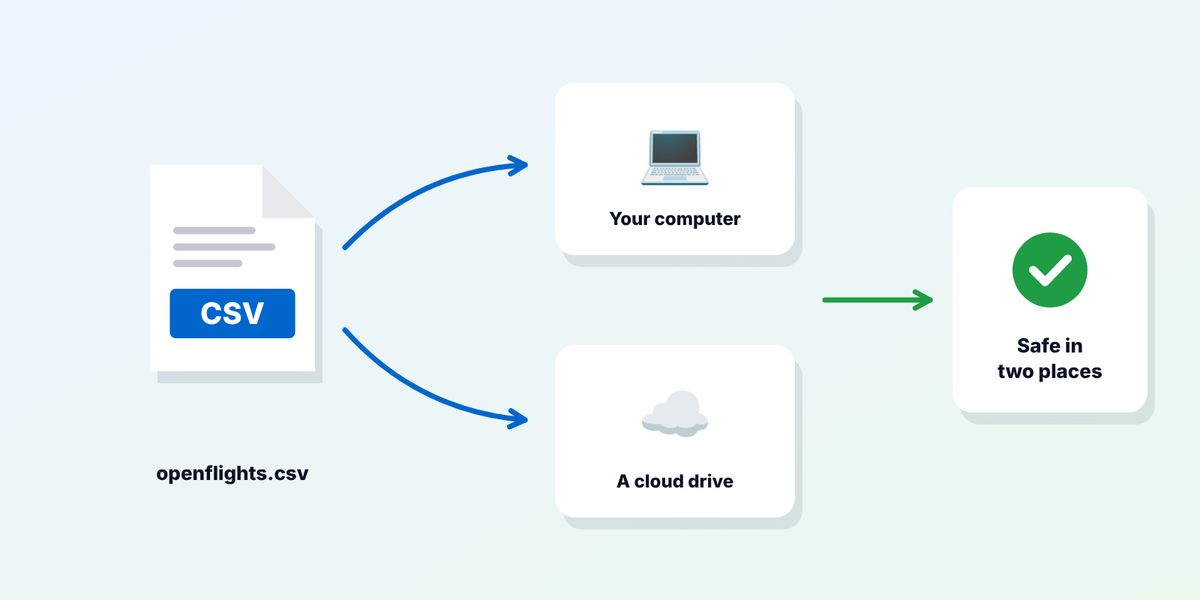
- Keep a copy in two places, such as your computer and a cloud drive.
Do this even if you are not ready to switch. A CSV file with your flights can be read by almost every flight log, including the ones below. Step-by-step exports for other apps are in our guide to exporting your flight history.
What OpenFlights users usually want
OpenFlights users tend to be detail-minded. The alternatives worth considering should offer:
- A clean import of the OpenFlights CSV, keeping flight numbers, aircraft, registrations, seats, classes and notes.
- Export back to an open format, so you never get stuck again.
- Maps and statistics at least as good as what you had.
- Active development, so new airlines, airports and aircraft can be logged.
- Control over privacy, with a public profile only if you want one.
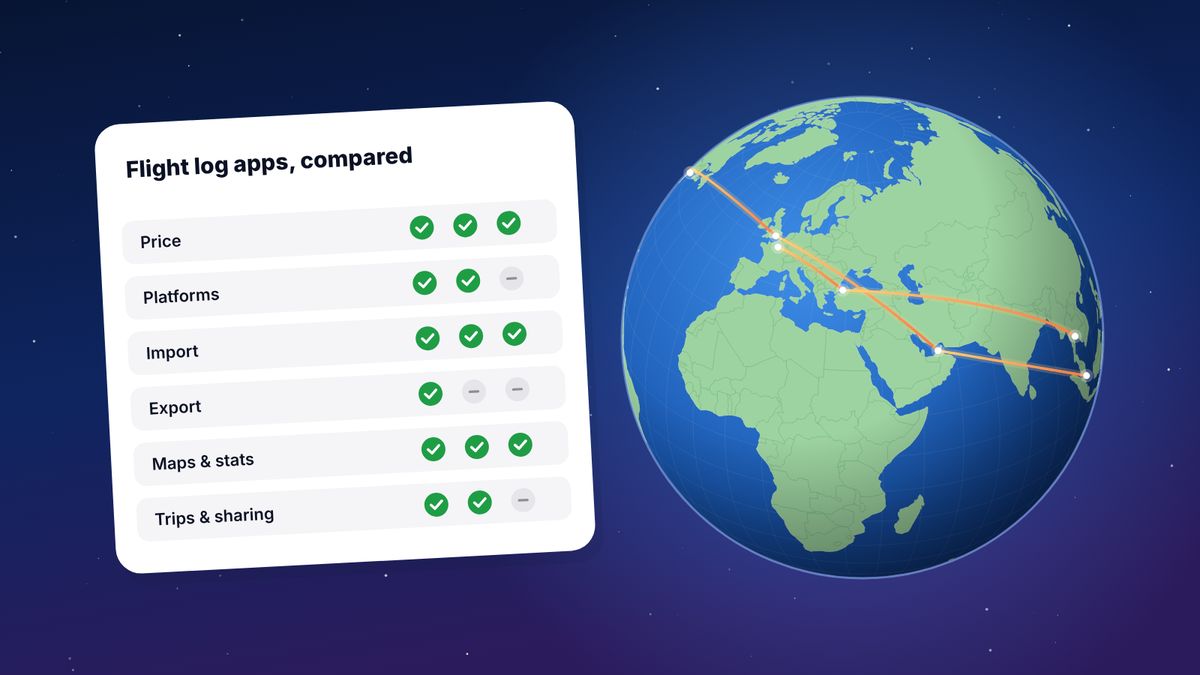
The alternatives at a glance
| flew.world | AirTrail | myFlightradar24 | Log my World | |
|---|---|---|---|---|
| Price | Free | Free, open source | Free | Free; Premium €20 a year |
| Where it runs | Any browser; installable | Your own server | Web | Web, mobile web app |
| Imports OpenFlights CSV | Yes | Yes | Not checked | Not checked |
| Exports | CSV, OpenFlights CSV, KML, GPX | Not checked | CSV | Not checked |
| Maps and statistics | Yes | Yes | Yes | Extensive |
| Trips and sharing | Trips, year in review, videos, public map | Several users per server | Shareable statistics | Photos per flight |
“Not checked” means we couldn’t confirm it from the app’s own pages.
1. flew.world
flew.world is a free flight log that works in any browser and installs on phones. It was built with OpenFlights users in mind: the import reads an OpenFlights CSV directly and the export can write one back.
What comes across from OpenFlights: date and departure time, airports, flight number, airline, aircraft, registration, seat and seat position, class, reason, duration and notes. Distances are worked out again from the airports along the great circle, so totals may differ slightly. OpenFlights trip groupings and internal ID columns are not imported; flew.world groups flights into trips itself.
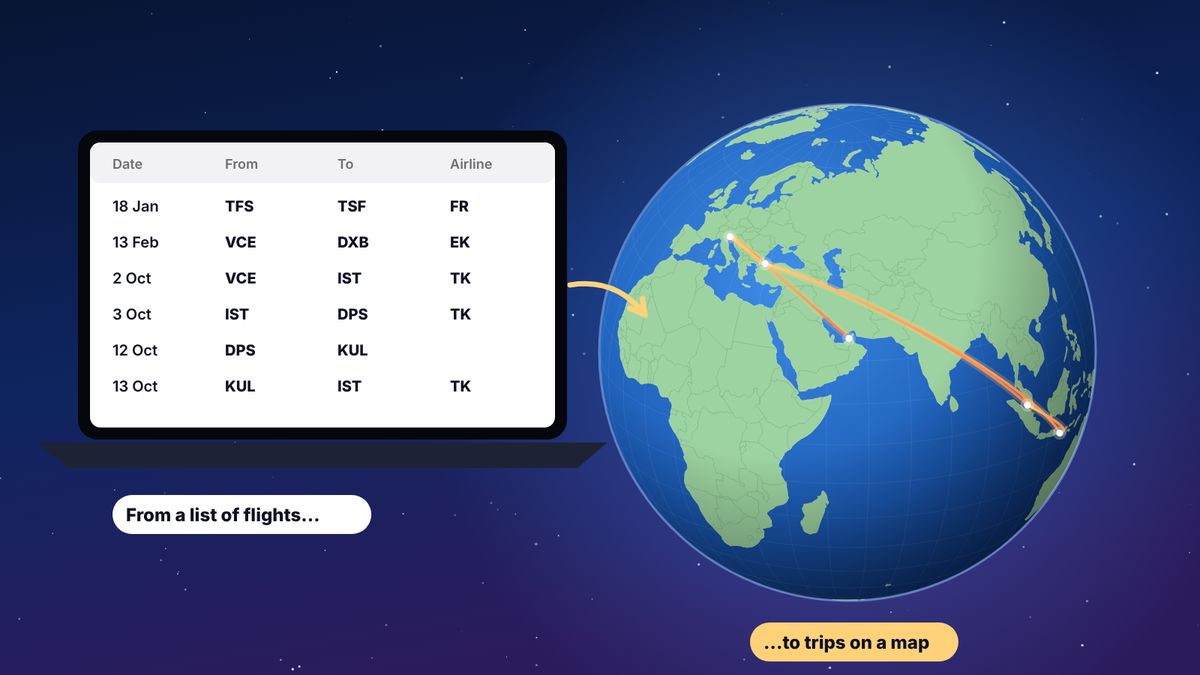
What you gain: flights grouped into trips, with connections told apart from stays; a page and short video for each trip; a year-in-review page for every year in your history; filters by year, airline and airport; and exports to CSV, OpenFlights CSV, KML and GPX.
Where it falls short: it doesn’t track flights live, and some enthusiast statistics are less deep than the most specialised logs.
2. AirTrail
AirTrail is a free, open-source (GPL-3.0) flight log that you run on your own server, usually with Docker. It has a world map, statistics, dark mode and several users per installation, and imports OpenFlights along with App in the Air, Flighty, myFlightradar24, TripIt and others.
Best for: people who chose OpenFlights partly because it was open, and who are comfortable running a server. Updates and backups are your job.
3. myFlightradar24
The free flight log from Flightradar24, around for more than a decade. It fills in details from the flight number and date, shows a map and statistics, and exports CSV.
Where it falls short: reviewers note it has seen little development in years, has no proper mobile layout and an incomplete airport list. Some OpenFlights users on forums describe it as an imperfect replacement. See myFlightradar24 vs flew.world.
4. Log my World
A web-based log with extensive statistics, custom fields and photos per flight. The free account covers most features; Premium, at €20 a year, adds autofill, more custom fields and a 3D globe. Its airport list can be extended by users.
Where it falls short: reviewers mention occasional bugs, and it focuses on the log rather than trips or sharing.
5. Keep a spreadsheet
Some OpenFlights users simply move to a spreadsheet: the CSV opens in Excel, Numbers or Google Sheets. It is free and entirely yours, but you lose maps and automatic statistics. A good compromise is to keep the spreadsheet as your master copy and import it into an app for the map.
How to move from OpenFlights to flew.world
- Export your OpenFlights CSV as above.
- Open flew.world/import and drop the file in. It is read in your browser; nothing is uploaded until you choose to save.
- Check the preview: what was read, which rows couldn’t be used and why, and which flights may already be in your logbook.
- Create a free account and confirm the import. Nothing is merged or deleted for you.
- Review your trips. Flights are grouped automatically. Fix any stop that was a stay rather than a connection, or the other way round.
People with long histories sometimes need to tidy a few rows: historic airlines, renamed airports or typos in old entries. The preview shows exactly which rows need attention.
Keep your options open
Whatever you choose, keep exporting. If the app you move to can write an OpenFlights CSV, as flew.world can, your history stays portable in the format the flight-logging community already knows.
Questions
Is OpenFlights still maintained?
Users on frequent-flyer forums report that it is no longer actively maintained, with problems such as newer airlines that can’t be logged. Export your data to be safe.
How do I export my OpenFlights data?
Sign in, open Settings and click Backup to CSV.
Which apps can import an OpenFlights CSV?
flew.world and AirTrail both list OpenFlights as a supported import.
Will I lose anything moving to flew.world?
Flight details come across: dates, airports, flight numbers, airlines, aircraft, registrations, seats, classes, reasons, durations and notes. OpenFlights trip groupings and internal IDs are not imported, and distances are recalculated from the airports.
Can I go back to OpenFlights later?
Yes. flew.world can export your flights as an OpenFlights CSV.
Sources
- Alternatives to OpenFlights for logging FlyerTalk forum discussion
- OpenFlights import OpenFlights
- AirTrail on GitHub features and supported imports
- Log my World review Travel-Dealz, April 2023
Updated 2 November 2026. Spotted something out of date? Tell us at hello@flew.world.